
Your crafting empire, on your desktop.
SWG Tracker Desktop watches spawns, min/maxes your experiments, and books your sales while you play — powered by your swgtracker.com account.
v0.11.16 · 2026-07-08
Spawn alerts
Desktop notifications the moment a spawn matches your class, stat, or quality rules.
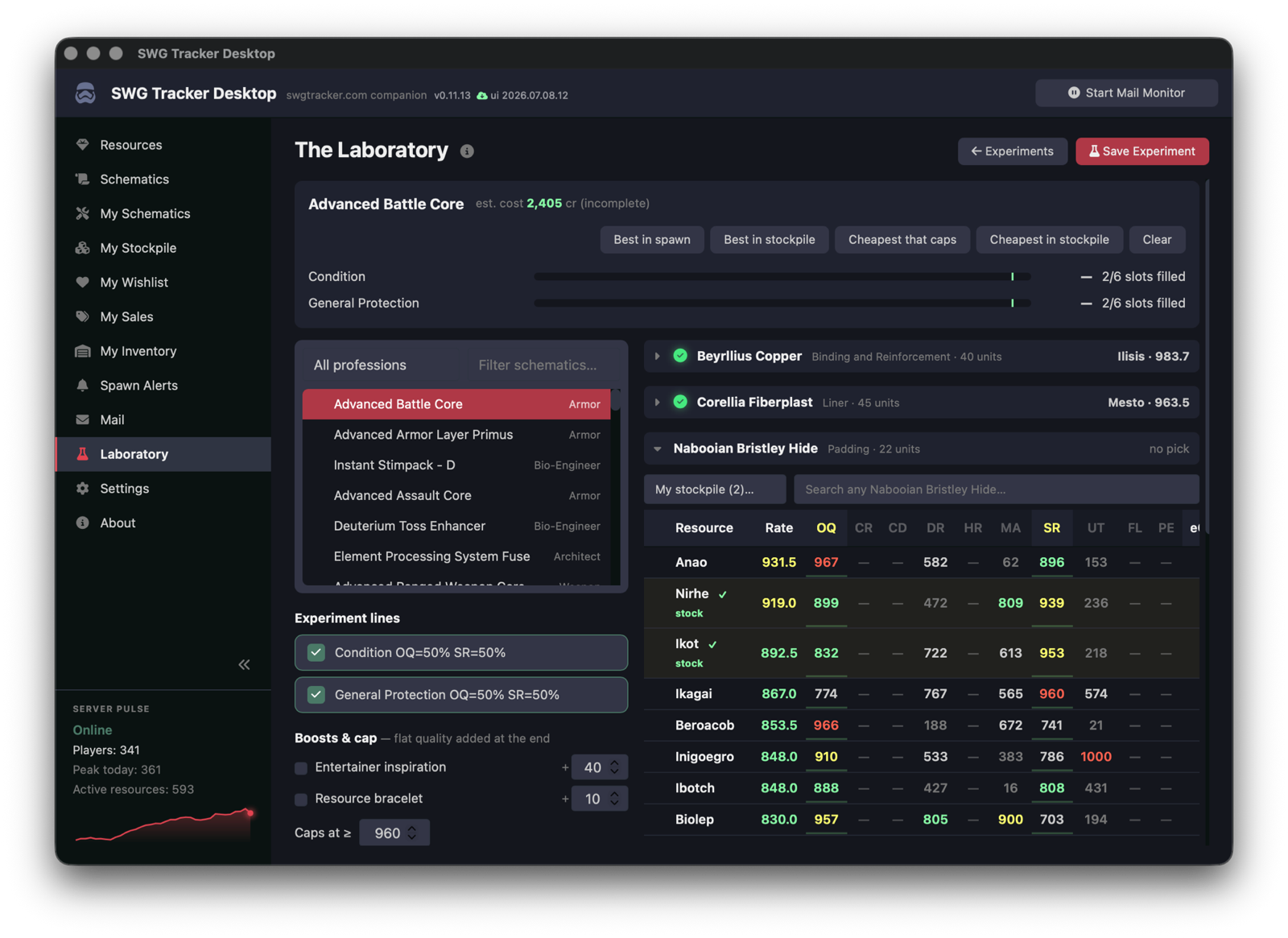
The Laboratory
A min/max workbench — find the cheapest resources that still cap your experiment lines.
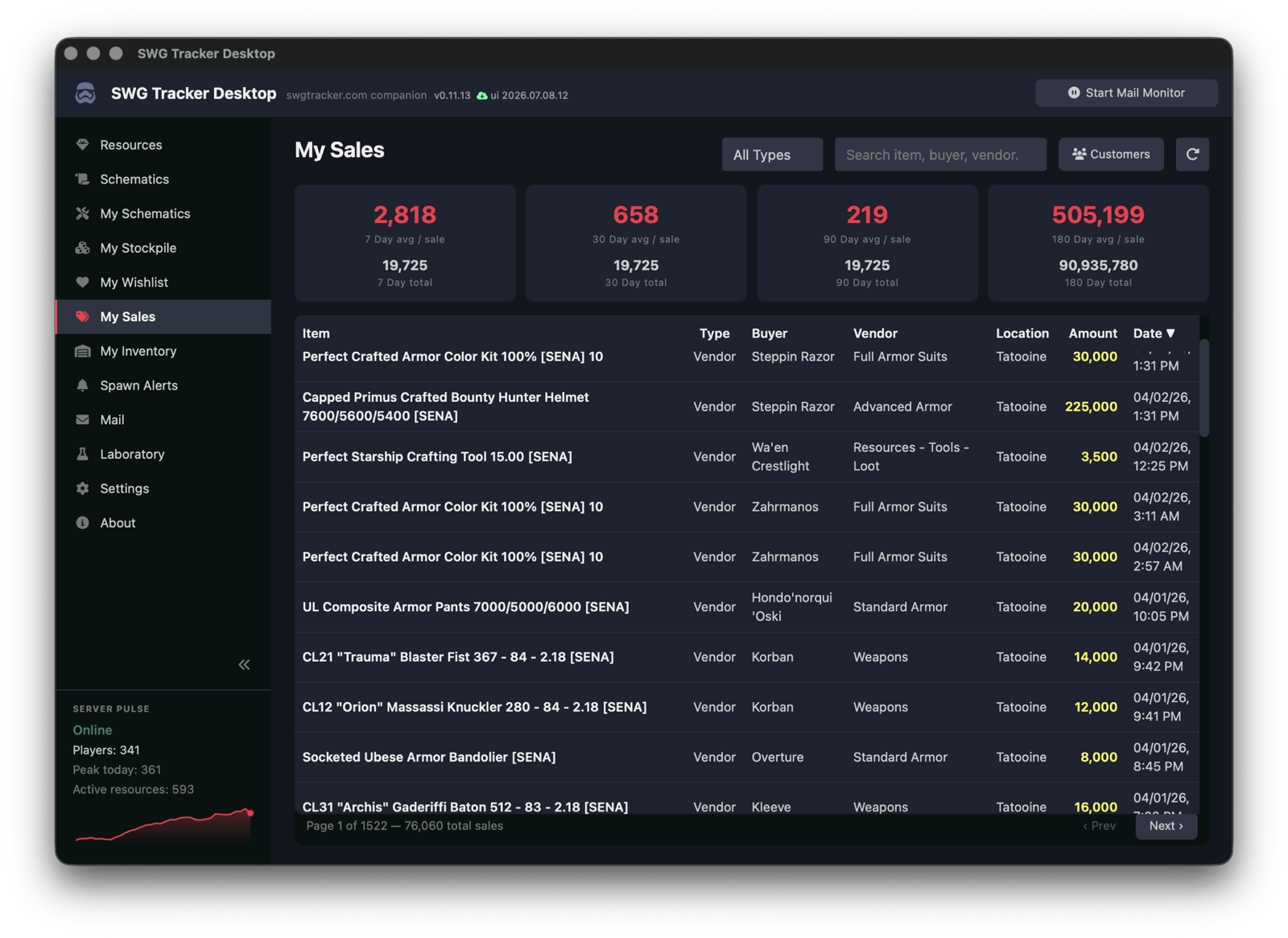
Mail & sales sync
Point it at your in-game mail folder; vendor sales upload and parse themselves.
Self-counting inventory
Sales automatically deplete your tracked item stock — restock alerts before you run dry.
Works offline
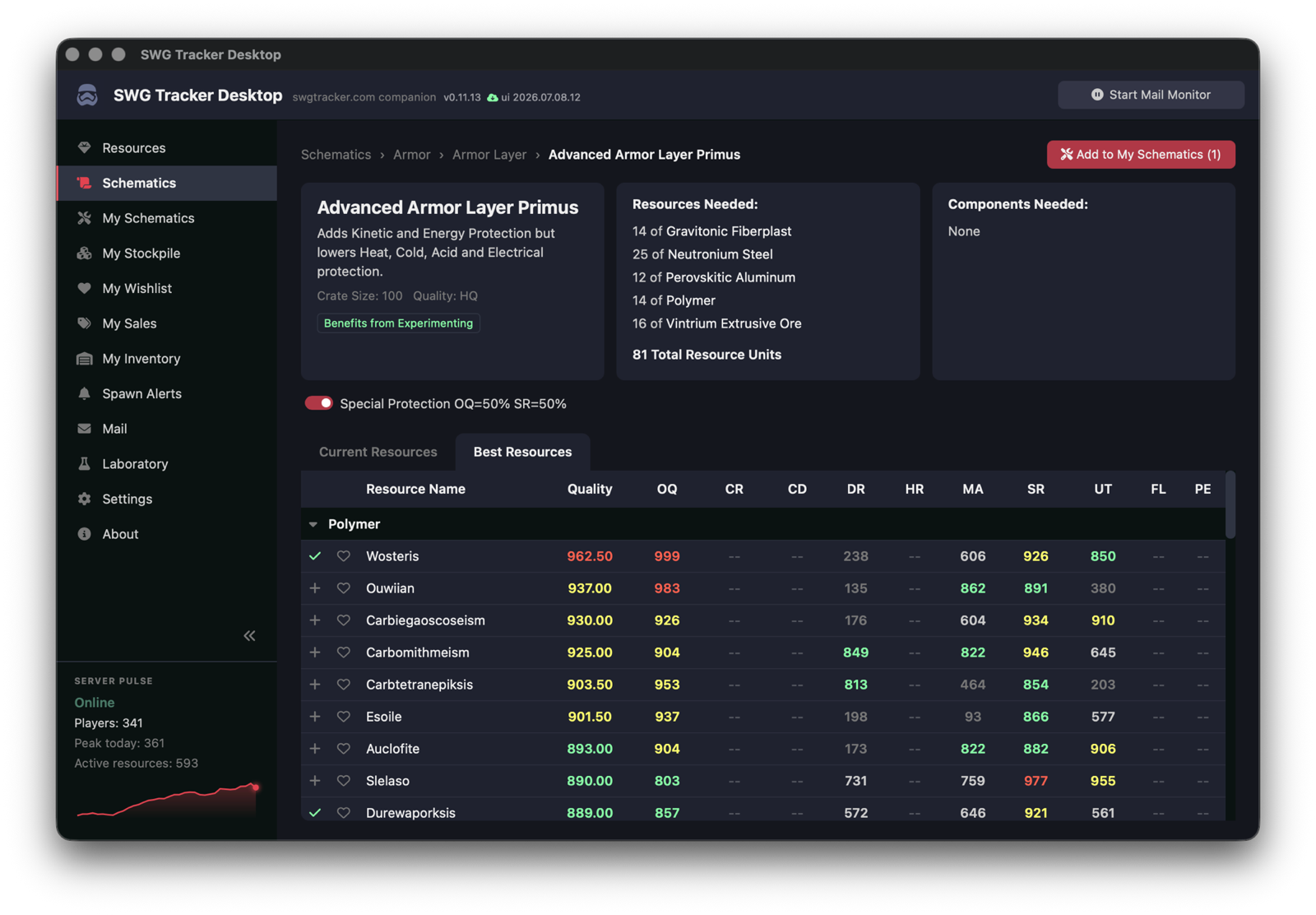
Resources and schematics are mirrored locally, so the tools keep working without a connection.
Updates itself
The interface refreshes automatically; new app versions are announced in-app.
macOS
Unzip, drag to Applications. First launch: System Settings → Privacy & Security → Open Anyway (the app isn’t signed with Apple yet).
Download v0.11.16 for macOSWindows
Run the installer — Start Menu shortcut included. If SmartScreen appears: More info → Run anyway.
Download v0.11.16 for Windows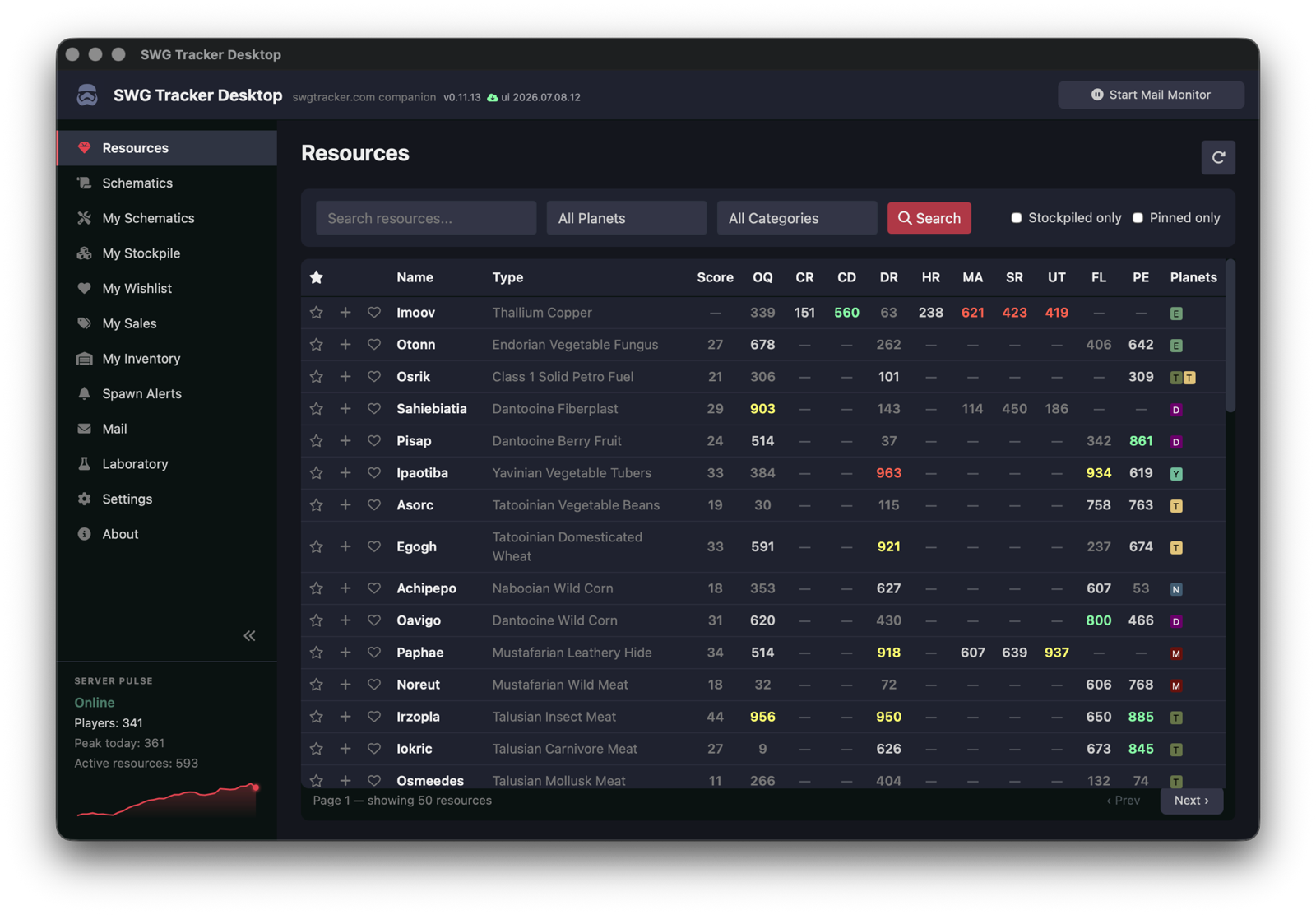
What’s new in v0.11.16
- Windows applies UI updates via relaunch — WebView2 refuses the in-place swap WKWebView accepts
The app updates its interface automatically; new app versions are announced in-app. You’ll need your API key from your account page.